Automatic subtitles
Subtitles for your recorded video, automatically.
Just upload a lecture, seminar, or internal briefing video. AI transcribes the speech and builds the subtitles. Edit them on the script screen, and create versions with foreign-language subtitles or dubbing.
The Free plan starts with just a sign-up (documents up to 10 pages, videos up to 3 minutes, subtitles and translation in Japanese and English).
Sound familiar?
- You want subtitles, but transcribing and timing them takes far too long
- In workplaces where sound can't be played, videos without subtitles go unwatched
- You want overseas sites and staff to watch the same video
With mind2D.ai
Speech turned into subtitles automatically
AI transcribes the audio and builds subtitles timed to the moment each line is spoken.
Edit subtitles as text
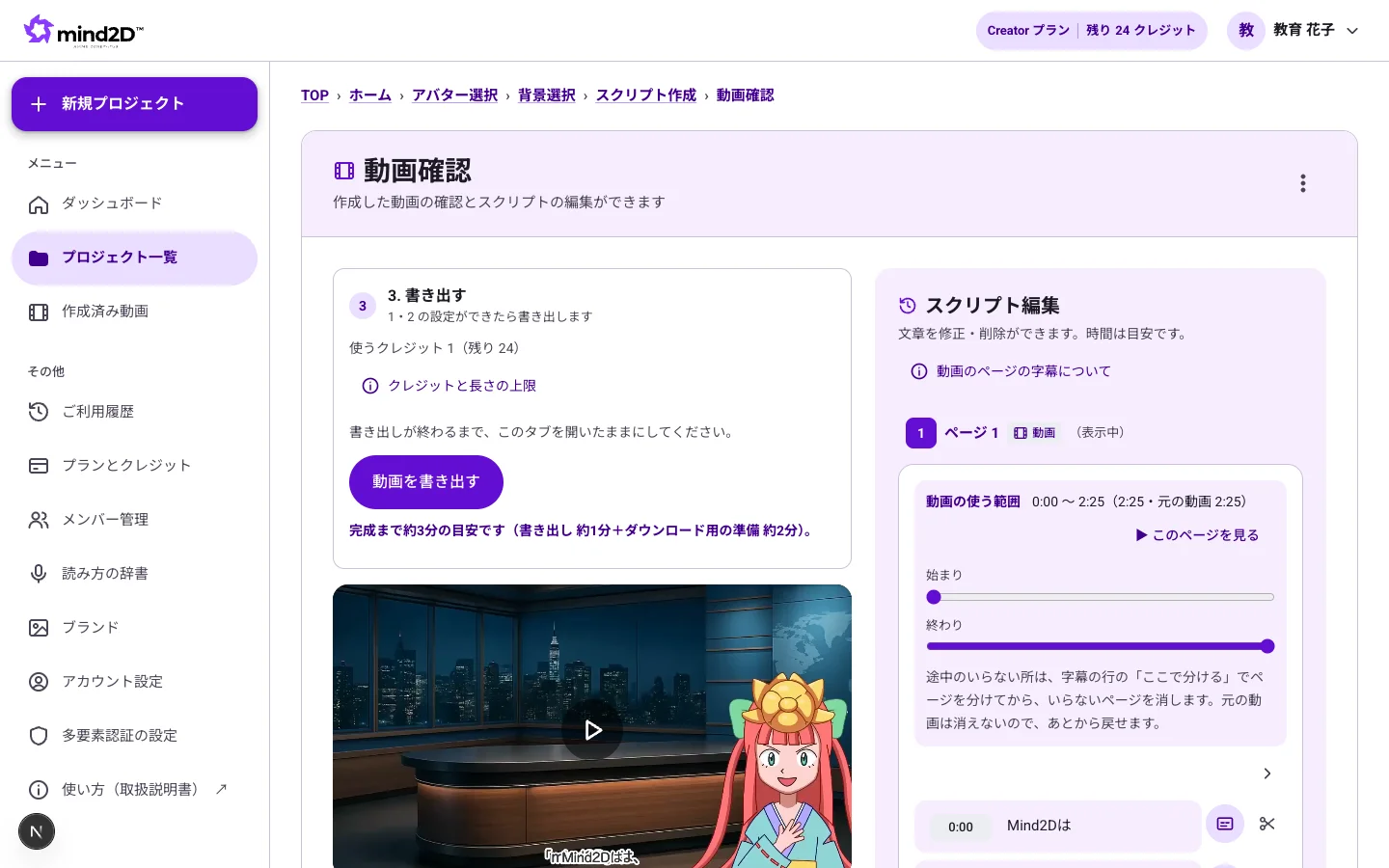
Fix misheard words as plain text on the script screen. You can also hide any part you don't want shown as a subtitle.
Trim to the part you need
Cut the unwanted lead-in and tail, and turn only the section you need into a video.
Subtitles and dubbing in 12 languages
Translate the subtitles into other languages and create an AI-voiced dubbed version too.
Just 3 steps
- STEP 1
Upload the video
Add your recorded video (MP4 or similar).
- STEP 2
Check the subtitles
Read through the auto-generated subtitles and fix only what needs fixing.
- STEP 3
Export with subtitles
Export as an MP4 with the subtitles burned in.
Frequently asked questions
How long can the video be?
You can import videos up to 120 minutes each. Export length limits depend on your plan, and in-browser export is up to 15 minutes.
Can I correct mistakes in the subtitles?
Yes. Subtitles are laid out as text on the script screen, so you can rewrite any misheard words.
Can I get subtitle files (SRT, etc.)?
For now, we export an MP4 with the subtitles burned in.
Can I create subtitles in other languages?
You can translate subtitles into 12 languages. AI-voiced dubbed versions are available too.