PDF → explainer video
Turn a PDF straight into an explainer video.
Upload a PDF and AI writes a script for every page, then adds narration and subtitles to create a video. It works even for documents whose source file is long gone, or PDFs sent over from another team.
The Free plan starts with just a sign-up (documents up to 10 pages, videos up to 3 minutes, subtitles and translation in Japanese and English).
Sound familiar?
- The original PowerPoint is nowhere to be found — only the PDF is left
- You send the PDF, nobody reads it, and you never know if the message landed
- You want a video explaining the document, but nobody on the team can use editing software
With mind2D.ai
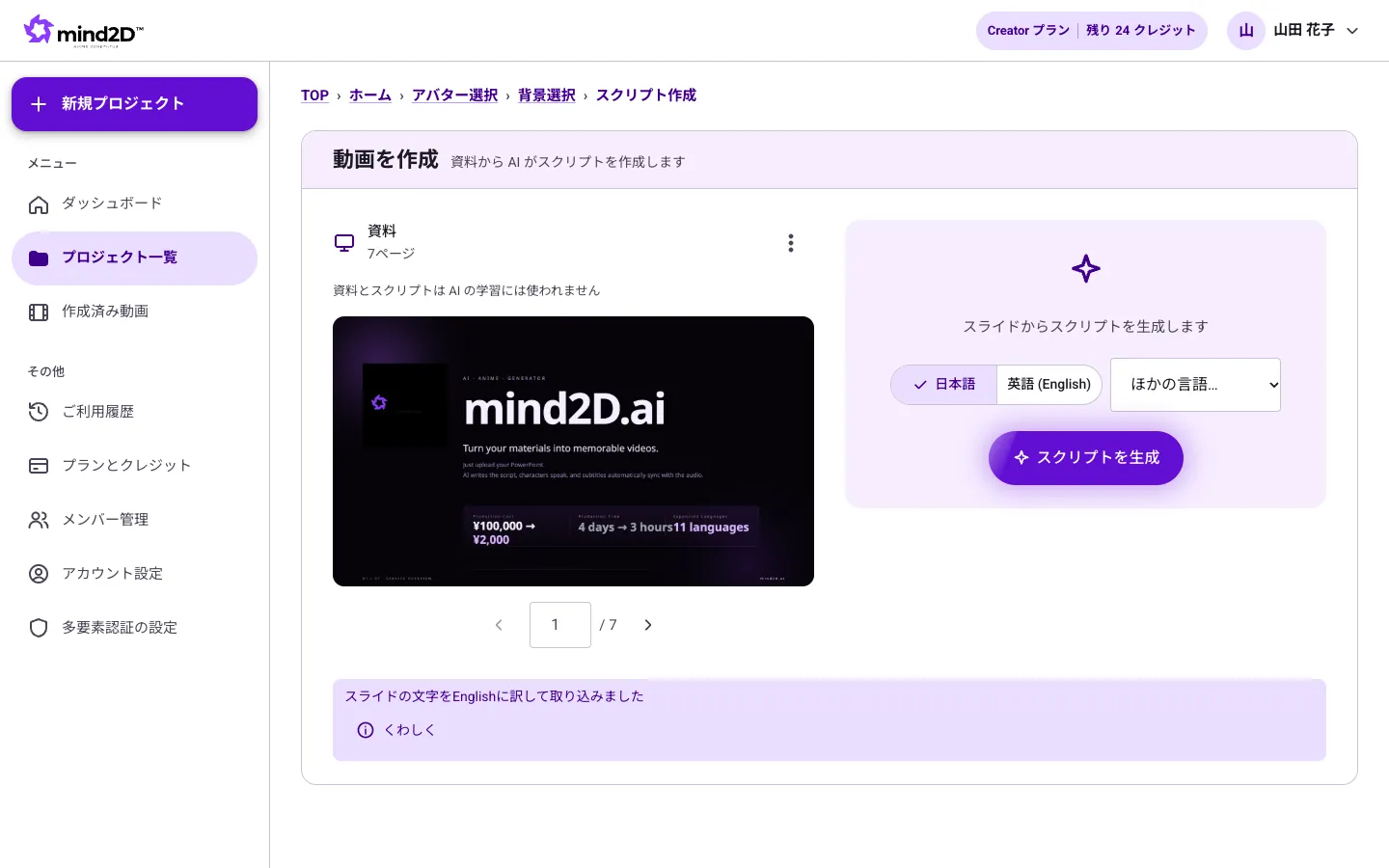
Each PDF page becomes a scene
Every page of the PDF becomes a screen, narrated page by page. The layout stays exactly as in the original document.
AI drafts the script
AI writes a conversational script from the text and figures on each page. All you do is rewrite the parts you want to change.
Subtitles, for places where sound is off
The narration is shown word for word as subtitles, so the message gets through in a quiet office or on the move.
Subtitles and voices in 12 languages
Translate the script and subtitles into other languages and create videos narrated in a native voice.
Just 3 steps
- STEP 1
Upload your PDF
Just drop in the PDF of your deck.
- STEP 2
Review the script
Read the AI-generated script and edit only what you need.
- STEP 3
Export the video
Export an MP4 with narration and subtitles.
Frequently asked questions
Can I use a scanned PDF?
Pages are imported as images, so they work fine as visuals. On pages where the text is hard to read, the AI script will be less accurate, so please review and edit the script.
Can the text inside PDF slides be translated?
Translating the text inside slides is available for PowerPoint (.pptx) only. For PDFs, we translate the narration and subtitles.
How many pages can I import?
Each plan has its own limit. The Free plan allows up to 10 pages. See the pricing page for details.
Can I download the finished video?
Yes, you can export and download it as an MP4 (on the Free plan, up to 3 minutes per video and one export).