
Internal & new-hire training
Training videos from the materials you already have.
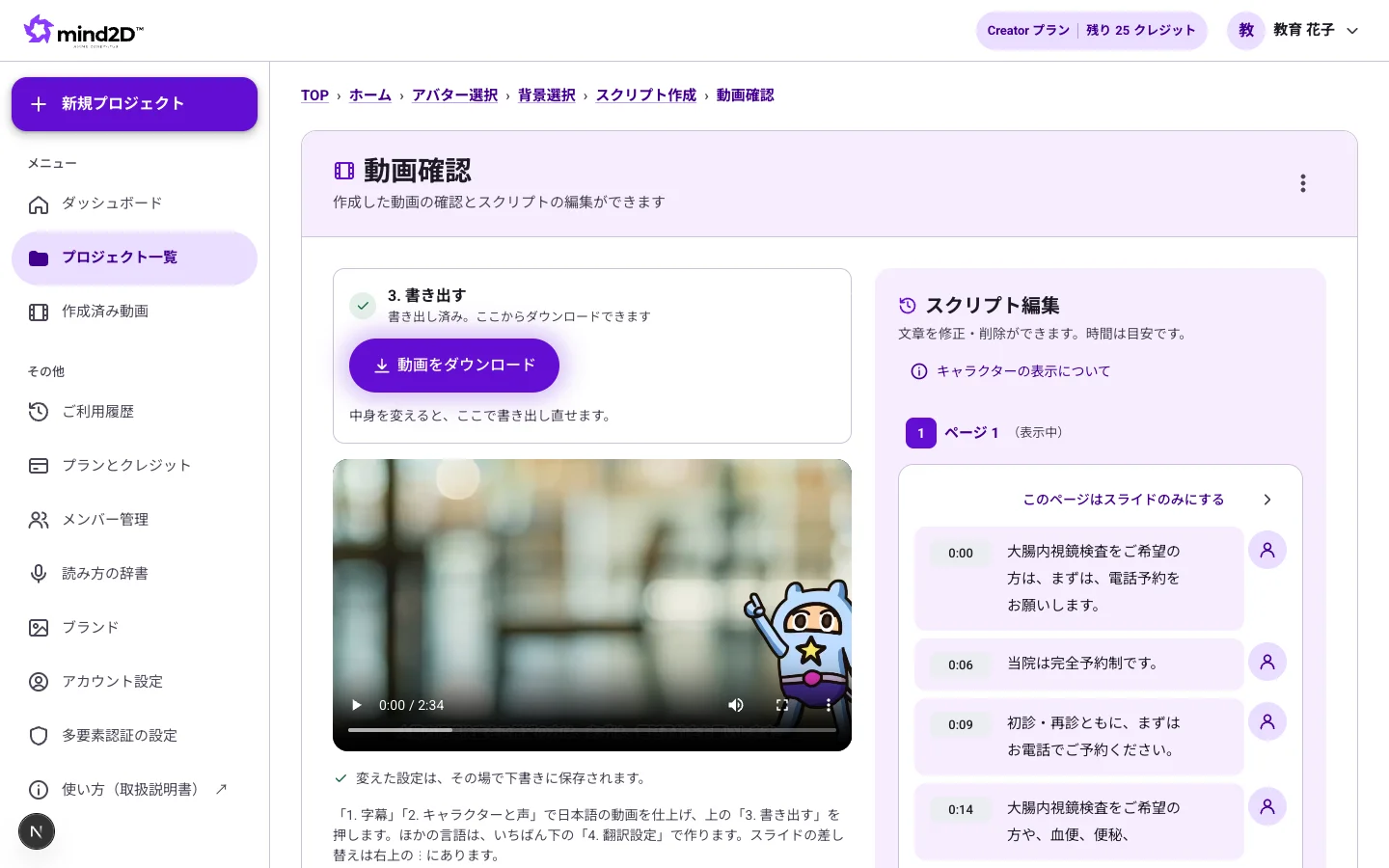
Turn the PowerPoint and PDF decks you use in training into training videos with narration and subtitles. No camera, no editing software — when a policy or procedure changes, just edit the text and export again.
The Free plan starts with just a sign-up (documents up to 10 pages, videos up to 3 minutes, subtitles and translation in Japanese and English).
Sound familiar?
- Trainers lose time repeating the same explanation at every session
- Outsourcing training videos costs time and money, and every revision means another order
- With shift work and multiple sites, you can never get everyone together at once
With mind2D.ai
Your training deck becomes the course
Import the training materials you already use, and AI writes and narrates the explanation. Turn the trainer's talk into a video people can watch anytime.
Revise by editing the text
When a policy or procedure changes, just edit the script and export again. No reshoots.
For non-Japanese-speaking staff too
Translate the script and subtitles into 12 languages and create training videos narrated in that language.
Add subtitles to recorded lectures
Upload a recorded lecture (MP4) and we transcribe the speech and add subtitles. Dubbed versions in other languages are available too.
Just 3 steps
- STEP 1
Upload your training materials
Add PowerPoint, PDF, or a recorded lecture video.
- STEP 2
Review the script and voice
Check the AI-generated script and adjust it to your company's wording.
- STEP 3
Export and share
Export as MP4 and use it in your LMS or internal sharing.
Frequently asked questions
Can I put it on our LMS (e-learning system)?
Videos are exported as MP4, so any LMS that supports video will work. They can also be uploaded directly to our own LMS, FireRocket.
Can I fix how internal jargon and product names are pronounced?
Register them in your company's pronunciation dictionary and they will be used in the narration of every video.
Can we avoid using the trainer's face and voice?
Yes. The narration uses an AI voice, and the screen shows your slides along with an animated navigator character (choose from 13 characters).
Who checks that the training content is correct?
You can review and edit the script yourself. Please confirm the accuracy of the training content on your side before use.