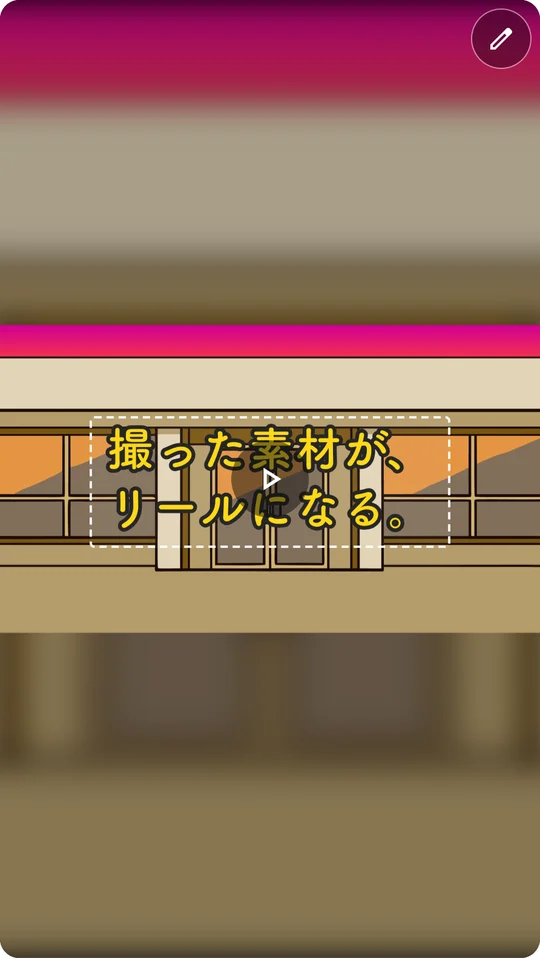
You shoot.AI does the editing.
Just upload the clips and photos you've collected. AI picks the best moments and delivers a vertical reel with a hook, captions and rhythm already in place.
- 9:16
- 15 / 30 / 60 sec
- Caption styles
- BGM
- Logo
- Captions & hashtags
Beer from noon — even the foam is great 🍺 Take it slow at a window seat. 3 min from ○○ Station|Save it and drop by
#DayDrinking #CraftBeer #BeerBar #TokyoEats #○○StationEats
Sound like your day as an SNS manager?
- You want to post daily, but editing never keeps up
- The footage is shot — and still sitting in a folder
- Which clips, which captions actually get watched?
- Outsourcing costs money and days, video after video
Drop in, hit go, export.
- 01
Add your footage
As many MP4 / MOV clips and photos as you like. Straight from your phone is fine.
- 02
Let AI cut it
Pick what the reel is about (shop, food, work, conversation, etc.) and what to highlight, then hit go.
- 03
Check and export
Drop scenes you don't need, tweak the captions, and export as a vertical MP4.
Features SNS managers love
Only the good parts
AI reviews every clip, opens on a moment with motion, and keeps the pace up.
Captions that tell one story
Written so the hook → the middle → the closing line all connect.
Caption design
Pick a style from the presets and drag to reposition.
Your logo on every scene
Add your company or show logo to every scene in one go.
AI-made BGM
Creates BGM that fits the mood, and lowers it where the real sound matters.
Captions and hashtags
Draft post copy for Instagram, TikTok and YouTube Shorts, too.
Photos work too
Photos fill the frame and blend right in with your video clips in a single reel.
Your originals stay untouched
Don't like the result? Re-cut it from the original footage as many times as you want.
Edited to the formats that get watched
We studied the vertical videos people actually watch, and turned the patterns into editing rules: motion in the first second, a cut every 2–3 seconds, short captions, and a closing line.
FAQ
Can I use video shot on my phone?
Yes. MP4 and MOV video files work, along with jpg, png, and webp photos.
How long will my reel be?
Choose from Auto (matched to your footage), 15 seconds, 30 seconds, or 60 seconds.
Can I edit the scenes and captions the AI picked?
Yes. You can delete individual scenes and rewrite any caption.
Can I post it as is?
Yes. It exports as a vertical (9:16) MP4, ready to post. You can also generate draft captions and hashtags (please fact-check before posting).
Start with the footage you've already shot.
Just sign up and try it on the Free plan.