
Food Japan Summit
Highlights of the Food Japan Summit
16 min 38 sec talk · 29 slides · 314 subtitle lines

PowerPoint + video → talk video
Upload the footage of your seminar or talk along with the presentation slides. AI adds subtitles, switches slides in time with the speech, and delivers a video with slides, speaker and subtitles all in place.
PowerPoint + video is available on the Pro, Business, and Enterprise plans. It costs 20 credits per 10 minutes of video.
Slides go large, the speaker sits in an inset, and the title and speaker name are added. Material that was unreadable in venue footage becomes crystal clear.
AI matches what is said against the content of the slides to decide when to move to each page. If anything is off, you can fix it right at that moment.
The speech is transcribed and turned into subtitles, using the wording in your slides as a guide. Click any subtitle to jump to that moment and edit it.
Once you've checked and fixed everything, export straight to MP4 and download it.
Choose "PowerPoint + video" for a new video, then add a PowerPoint or PDF along with MP4 or MOV footage.
Subtitles, slide switching, title and speaker are all created together. It keeps running even if you close the screen.
Adjust subtitles and switch points, then export as MP4.
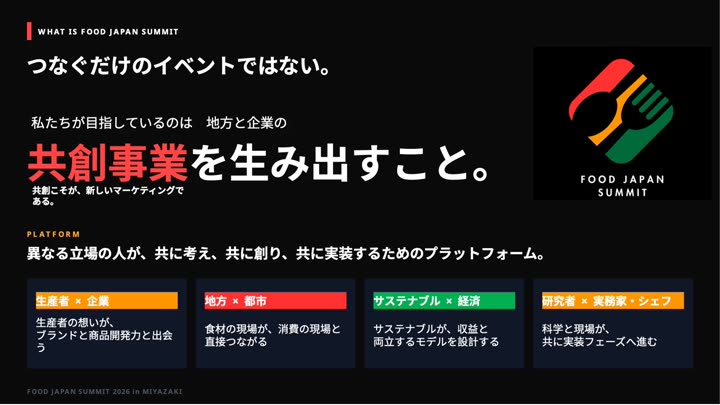
We turned a mini session from FOODBIZ SUMMIT 2026 into a video, built from footage shot on site and the speaker's slides.
Highlights of the Food Japan Summit
16 min 38 sec talk · 29 slides · 314 subtitle lines
These are excerpts from the finished videos, made with the same "PowerPoint + video" workflow in mind2D.ai.
Video in MP4 or MOV, and slides in PowerPoint (.pptx) or PDF.
It's available on the Pro, Business and Enterprise plans. It isn't available on Free or Creator.
20 credits per 10 minutes of video (including subtitle creation and the first export). Re-exporting after edits costs 10 credits each time.
Yes. Names of people and companies can be misheard, so please check them before exporting.
It depends on the length of the video and the number of slides. Long videos can take tens of minutes, but processing continues even if you close the screen.